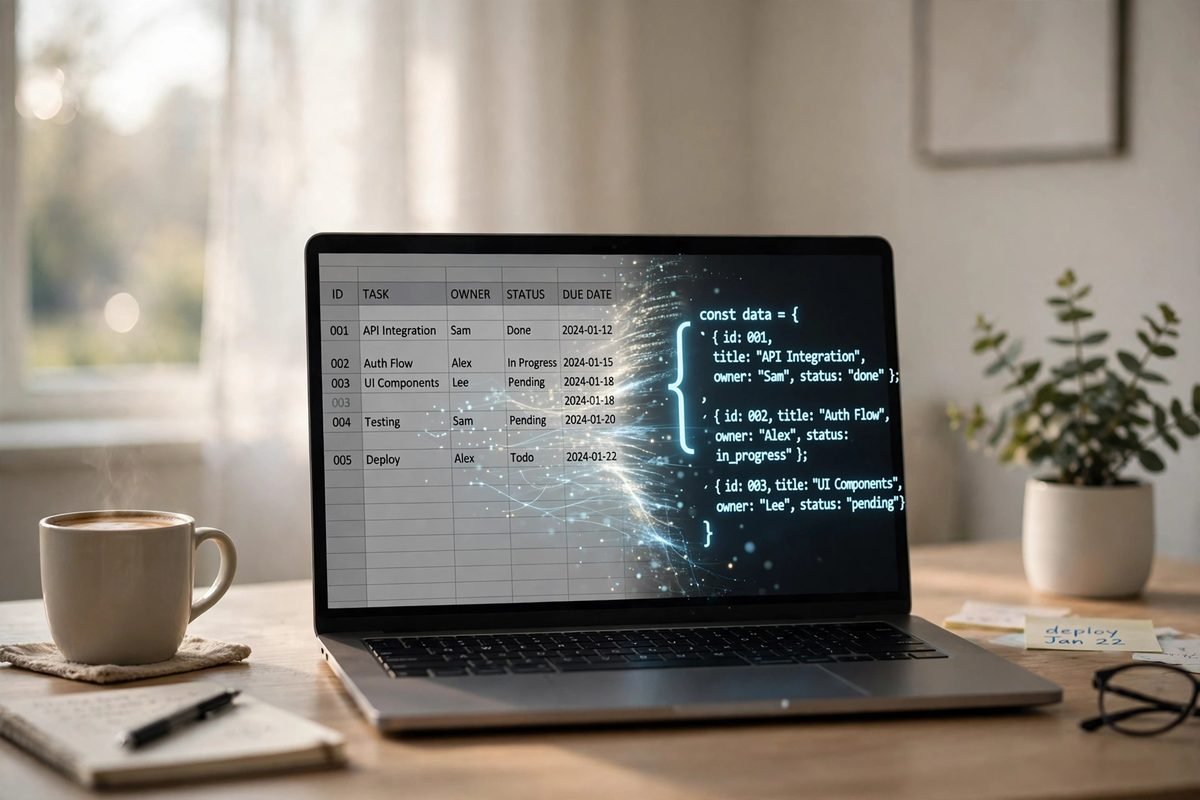
Quick answer: paste your CSV into our free CSV to JSON converter — each row becomes one JSON object, the first row becomes the keys, and you copy or download clean JSON in about ten seconds. Everything runs in your browser, so your data never leaves your device. The rest of this post is for everyone whose conversion has ever silently mangled their data, and who wants to know exactly why.
I’ve converted more CSV files than I can count. Exports from CRMs, email subscriber lists, product catalogues, bank statements — the ritual is always the same: download the CSV, open it, realise the program that needs it speaks JSON, and convert. Nine times out of ten it’s boring. It’s the tenth file that eats your afternoon. A comma hiding inside a quoted field. A European Excel export full of semicolons. A header row with two columns called “name”. This guide covers the ten-second way and the why behind it, so the tenth file never surprises you again.
CSV and JSON in 30 seconds
CSV (comma-separated values) is the spreadsheet world’s lingua franca: plain text, one record per line, fields separated by commas. Every spreadsheet program, database and email tool on earth can export it. JSON (JavaScript Object Notation) is the programming world’s equivalent: structured text built from named values — {"name": "Ali", "age": 30} — that code can read directly. APIs speak JSON. Config files are JSON. JavaScript eats it for breakfast. For the authoritative two-minute tour of the format, see json.org’s official introduction.
Converting means mapping rows to objects. The header row — name,age,city — becomes the property names, and every row after it becomes one object with those properties. Three data rows give you an array of three objects. That’s the whole idea. The devil, as always, is in the details of the CSV itself.
The 30-second way: use the converter
If you just need it done, here’s the whole process on our CSV to JSON converter:
- Paste your CSV or upload the .csv file. There’s a sample dataset built in if you want to see how it works first.
- Check the delimiter. Leave it on Auto-detect and the tool figures out whether your file uses commas, semicolons, tabs or pipes. European Excel exports use semicolons — more on that below.
- Confirm the header row. If your first row is column names, keep the default. If your data starts immediately, switch to “No header row” and the tool generates
column1,column2style keys. - Hit Convert to JSON. Copy the pretty-printed result or download it as a
.jsonfile.
That’s it. No account, no upload to a server, no waiting. Your CSV is parsed and converted locally in your browser tab — close the tab and it’s gone, which is exactly what you want when the file contains customer emails or sales figures.
Where cheap converters break your data
Here’s the thing most “free converter” sites won’t tell you: a surprising number of them parse CSV by splitting each line on commas. That’s wrong, and real-world data punishes it. Take this perfectly normal row:
Sara,25,"Lahore, Punjab"A split-on-comma parser sees four fields: Sara, 25, "Lahore, Punjab". Your city just became two broken columns with stray quote marks. The correct reading — one value, Lahore, Punjab — comes from the one rule that matters: anything inside double quotes is a single field, even if it contains commas.
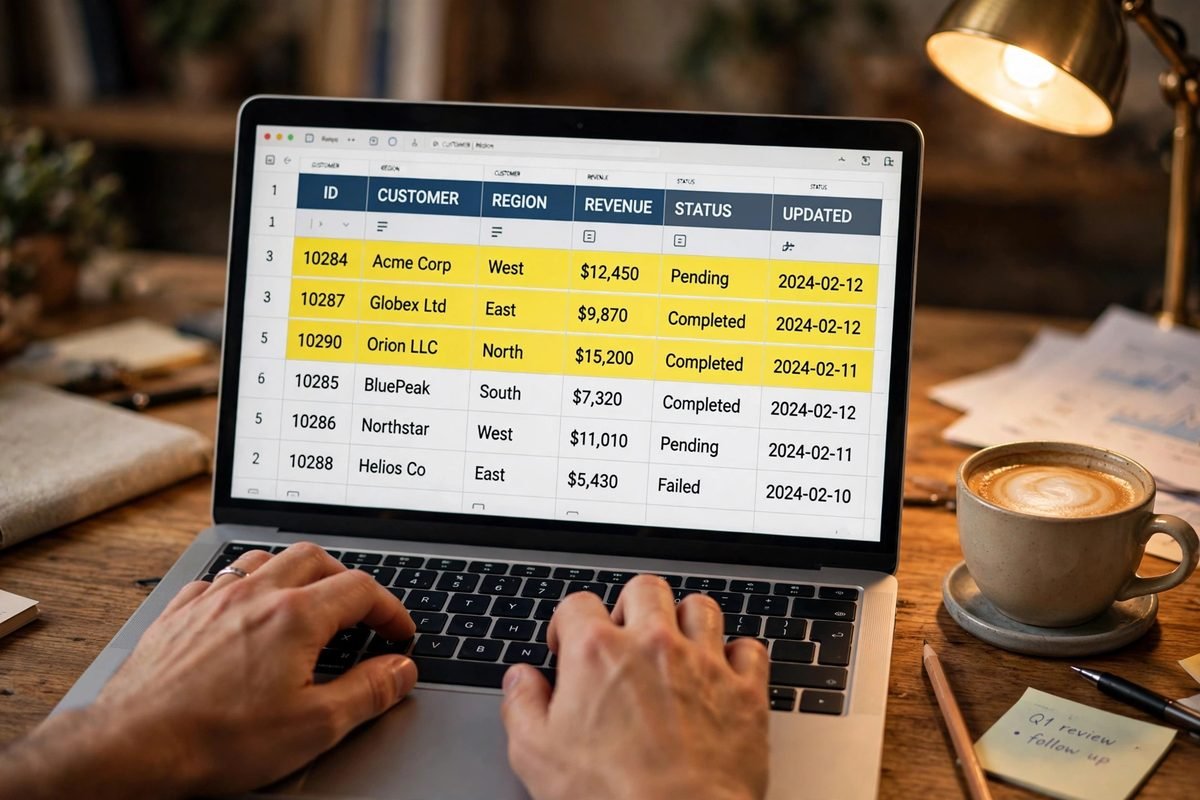
Quoted fields hide two more traps. Doubled quotes — "She said ""hello""" — mean a literal quote character inside the value. And a quoted field can legally span multiple lines, which breaks any parser that assumes one line equals one record. These aren’t edge cases; they’re the CSV standard. RFC 4180 spelled out the rules back in 2005: quotes protect commas, line breaks and quotes themselves, and a quote inside a quoted field is escaped by doubling it. Our converter follows those rules character by character, which is why "New York, NY" survives intact. A recent deep-dive on CSV parsing puts it bluntly: never parse CSV with split, cut, or a regular expression. I agree — I’ve watched a regex “parser” turn a 40,000-row customer export into confetti. Don’t be that person.
| CSV quirk | Naive split-on-comma converter | A proper RFC 4180 parser |
|---|---|---|
Comma inside quotes: "Lahore, Punjab" |
Splits into two broken columns | Kept as one value |
Doubled quotes: "say ""hi""" |
Leaves stray "" in your data |
Becomes say "hi" |
| Line break inside a quoted field | Creates a phantom extra row | Stays part of the same field |
| Semicolon delimiter (European Excel) | One giant column | Auto-detected or selectable |
| Duplicate column names | Later values overwrite earlier ones | Numbered: name, name_2 |
| BOM / Windows line endings | Weird  characters, split rows |
Stripped and normalised automatically |
Not every CSV uses commas
The name says comma-separated, but the real world didn’t get the memo. If your Windows is set to a European locale, Excel exports CSV with semicolons — because the comma is the decimal separator there (so 1,5 means one-and-a-half, not two fields). Database dumps often arrive as tab-separated (TSV) files. Some systems use pipes. A converter that only understands commas will hand you a single column of garbage for all three.
This is why the delimiter selector exists. Set it explicitly if you know your format, or leave it on Auto-detect and let the tool read the data and pick. One practical tip from experience: if your converted JSON has exactly one key per object and the key looks like an entire row of text, your delimiter is wrong. Switch it and convert again — takes five seconds and fixes ninety percent of “my JSON looks weird” problems.
Doing it with code instead
Sometimes a browser tool isn’t the right answer — you’re converting files in bulk, or the conversion is one step in a pipeline. Python’s standard library does this correctly in about ten lines:
import csv, json

with open('data.csv', newline='', encoding='utf-8-sig') as f:
    reader = csv.DictReader(f)          # first row becomes the keys
    rows = list(reader)

with open('data.json', 'w', encoding='utf-8') as f:
    json.dump(rows, f, indent=2, ensure_ascii=False)
Two details worth stealing even if you never run this. csv.DictReader does the header-to-keys mapping for you, and encoding='utf-8-sig' silently strips the byte-order mark that Excel loves to prepend to CSV files — the invisible character that otherwise becomes part of your first column name. If you go the code route for sensitive data, you get the same privacy guarantee as the browser tool: nothing leaves your machine.
Five things to check before you trust the output
Run through this list whenever a conversion looks off. In my experience, one of these five is the culprit essentially every time:
- Is everything a string? JSON converted from CSV keeps values as text —
"30", not30. That’s deliberate: it preserves leading zeros in phone numbers, postal codes and IDs like007. Convert types in your own code after pasting. - Does the first column name look corrupted? A BOM (byte-order mark) at the start of the file glues invisible characters onto the first header. Our converter strips it; Excel’s own exports are the usual source.
- Do you actually have a header row? Raw exports and log files often don’t. Switch to “No header row” instead of letting your first data row become the keys.
- Are there duplicate column names? Two columns called
namewill collide in JSON. A good converter numbers them (name,name_2) instead of silently dropping data. - Did empty rows become empty objects? Blank lines should be skipped, not converted into
{}entries that pollute your array.
And one more for the road: if you’re building a test dataset from scratch rather than converting a real export, our random name generator produces realistic Pakistani, Muslim and Western names with meanings — paste a column of them into your CSV and you’ll have believable sample data in seconds. Converted a CSV full of product descriptions for a website? Run the text through our word counter to keep every description within its length limit.
Frequently asked questions
What’s the difference between CSV and JSON?
CSV stores data as flat rows of comma-separated fields — great for spreadsheets, bad for structure. JSON stores data as named key-value pairs and arrays — great for code and APIs. Converting CSV to JSON turns each row into one object, with the header row supplying the property names.
Can Excel convert CSV to JSON directly?
Not with one click. Excel opens and saves CSV natively, but JSON export needs Power Query (Data > From Table, then convert) or a macro. For a one-off conversion, pasting the CSV into an online converter is faster than wrestling with Power Query.
Why does my converted JSON show everything as text, even numbers?
CSV has no data types — every field is text. Converters keep values as strings deliberately, because guessing types destroys data: phone numbers lose leading zeros and IDs like “007” become 7. Convert the fields to numbers in your own code after pasting the JSON.
How do I handle commas inside CSV fields when converting?
Wrap the field in double quotes: “Lahore, Punjab” is one field. That’s the RFC 4180 rule, and any proper converter honours it. If your data is already quoted correctly and still breaks, your converter is probably splitting on commas naively — switch to one that parses quoted fields properly.
Is it safe to convert a CSV with sensitive data in an online tool?
Only if the conversion happens in your browser with no upload — which is how our converter works. Your data never leaves your device. Avoid tools that send your file to a server, especially for customer lists, financial exports or anything covered by a privacy policy.
How do I convert CSV to JSON in Python?
Use the standard library: csv.DictReader reads the file with the first row as keys, and json.dump writes the list of dictionaries as JSON. Open the CSV with encoding=’utf-8-sig’ to strip Excel’s byte-order mark automatically.
What’s the biggest CSV file I can convert in a browser?
It depends on your device’s memory, but browser-based converters comfortably handle files with tens of thousands of rows — far more than most people ever convert by hand. For millions of rows, switch to a script (Python, Node) that streams the file instead of loading it all at once.
The bottom line
Converting CSV to JSON is a ten-second job — until the CSV fights back. Now you know what it’s fighting with: quoted commas, doubled quotes, stray line breaks, semicolon delimiters and invisible BOM characters. Use a converter that parses the format properly instead of splitting on commas, check the five-point list above when output looks wrong, and keep your sensitive files in the browser where they belong. Convert your CSV to JSON now — it’s free, it’s private, and it handles the messy files too.