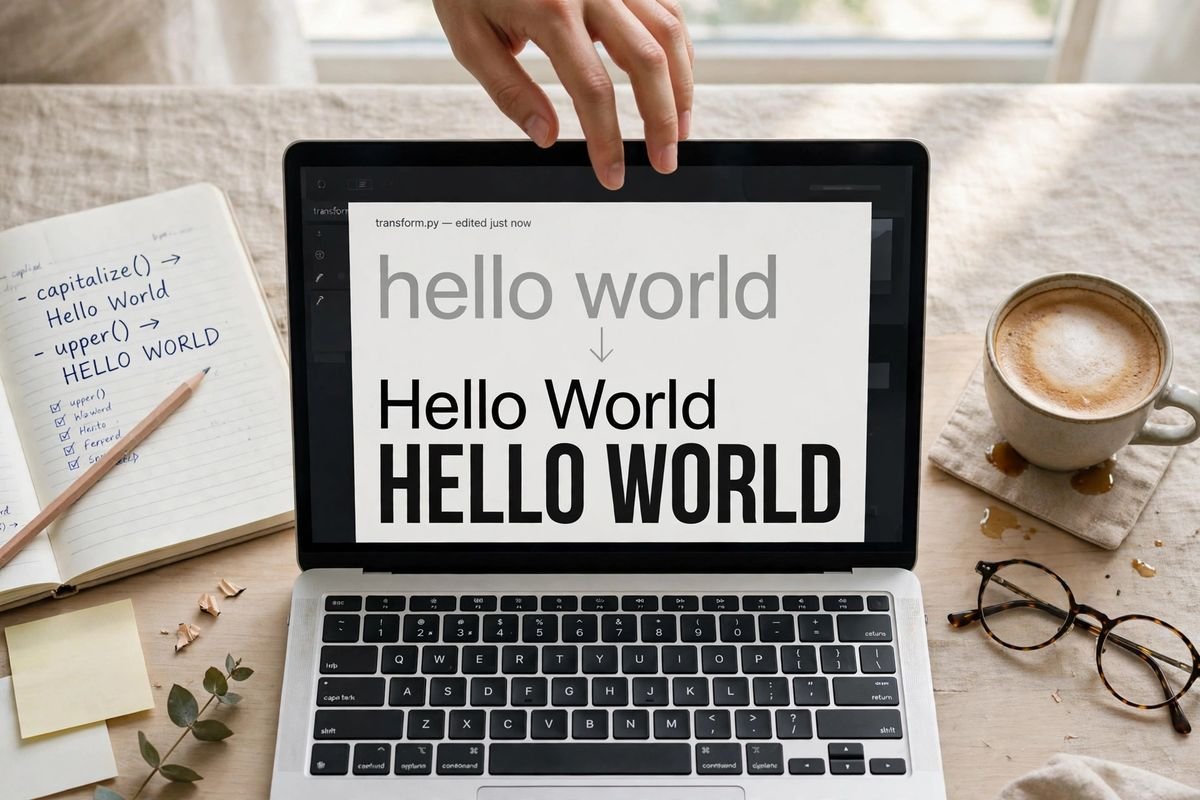
Key takeaways
- Title Case and Sentence case are different house styles with different rules. Mixing them across your headings is the most common capitalisation mistake I see.
- Real title case keeps articles, short prepositions and conjunctions lowercase: “The Lord of the Rings”, not “The Lord Of The Rings”.
- ALL CAPS reads slower and feels like shouting — use it for warnings, legal text and short labels, never paragraphs.
- Fix wrong case in seconds with our free case converter: six styles, instant, and your text never leaves your browser.
The six case styles, and when each one earns its place
Here is the part nobody explains: each case style is a tool with jobs it is good at and jobs it quietly ruins. Our converter handles all six:
| Style | Example | Use it for |
|---|---|---|
| UPPERCASE | HELLO WORLD | Warning labels, legal documents, acronyms, short headings that need punch |
| lowercase | hello world | URL slugs, email addresses, code identifiers, normalising messy data |
| Title Case | Hello World | Book titles, article headlines, product names, navigation labels |
| Sentence case | Hello world | Page headings, email subject lines, button text, body copy |
| aLtErNaTiNg | hElLo WoRlD | Memes and playful social captions — never anything official |
| iNVERSE | hELLO wORLD | Undoing text typed with caps lock stuck on, jokes |
See the pattern? The four serious styles each own a territory. The playful two own the group chat. Trouble starts when any of them wanders into someone else’s territory — which is most of what this guide is about.
Title Case vs Sentence case: the fight that actually matters
This is the decision you will make a hundred times: should this heading read “How To Bake Bread” or “How to bake bread”?
Both are defensible. That is exactly what makes it tricky. Title Case capitalises nearly every word — the traditional choice for book titles, course names and article headlines. It looks formal, deliberate, finished. Sentence case capitalises only the first word (plus proper nouns), exactly like an ordinary sentence — the style most blogs, news sites and modern interfaces have settled on.
Here is my honest read on where things stand: the trend is clearly toward sentence case for digital headings. Google uses it. Apple uses it. Nearly every news site uses it. Title Case still rules book covers, academic papers and anywhere formality is the point.
But here is what matters more than which one you pick: pick one and never mix them. A blog with “How To Bake Bread” on one post and “How to grill fish” on the next looks sloppy in a way readers feel but cannot name. Consistency beats correctness every time. For a detailed look at where each style is expected, CASRAI’s title case vs sentence case guide covers the manuscript and publishing conventions well.
Title case rules: the small words that stay lowercase
This is where most people’s “title case” quietly falls apart. Real title case — the kind style guides describe — does not capitalise literally every word. The small glue words stay lowercase:
- Articles: a, an, the — “The Cat in the Hat”
- Short prepositions: of, in, on, to, for — “The Lord of the Rings”
- Coordinating conjunctions: and, but, or, nor — “Pride and Prejudice”
The first and last word are always capitalised, whatever they are. And the guides disagree on the details — Chicago lowercases every preposition regardless of length, while AP capitalises prepositions of four or more letters. If you want the full rulebook, this Chicago title case reference lays out the current rules with examples.
Honest confession: I do not memorise these rules. Nobody does, except copy editors. I convert to rough Title Case with the tool, then fix the small words by eye. That two-step takes ten seconds and beats memorising a style manual.
Three case mistakes that make text look amateur
1. The caps-lock accident. We have all received that email: “PLEASE FIND ATTACHED THE REPORT.” Somebody typed a paragraph with caps lock on. It reads as shouting, it reads slower, and it makes the sender look careless. Paste it into the converter, hit lowercase or Sentence case, done in two seconds.
2. Title Case on everything. “Welcome To Our Website. Click Here To Learn More About Our Services.” Every word capitalised, including “To”, “Our”, “About” — this is the visual equivalent of speaking in a monotone. When everything is emphasised, nothing is. Use sentence case for UI text and save Title Case for actual titles.
3. Inconsistent headings. “Getting Started” on one page, “Getting started” on the next, “GETTING STARTED” in the footer. Readers will not file a complaint, but the site feels untrustworthy in a way they cannot quite place. Pick your house style once — I would suggest sentence case for digital — and enforce it everywhere.
The 10-second fix (and why it stays private)
Here is my actual workflow when text lands in the wrong case. I do not retype — retyping a 500-word block just to fix capitalisation is how afternoons die. I paste it into our free case converter, click the style I want, and copy the result back. It converts as you type, so there is no convert button to hunt for.
Two things worth knowing. First, it handles the tricky bits properly — hyphenated words (“mother-in-law” becomes “Mother-In-Law”), apostrophes (“don’t” becomes “Don’t”), and even the Urdu full stop (۔) as a sentence boundary, which matters if you write in Urdu. Second, everything runs in your browser. Your text is never uploaded, stored or logged — close the tab and it is gone. Safe for drafts, work documents, anything you would rather not send to a stranger’s server.
Pair it with our word counter when you are polishing a piece — fix the case, check the length, ship it. Both live in our free text tools collection.
Frequently asked questions
What is the difference between Title Case and Sentence case?
Title Case capitalises nearly every word (“How To Bake Bread”) and is used for book titles, article headlines and product names. Sentence case capitalises only the first word (“How to bake bread”) and is used for page headings, email subjects and button text. They are different house styles — pick one per project and stay consistent.
Which words stay lowercase in title case?
Articles (a, an, the), short prepositions (of, in, on, to, for) and coordinating conjunctions (and, but, or, nor) stay lowercase — so “The Lord of the Rings”, not “The Lord Of The Rings”. The first and last words are always capitalised. Exact rules vary between style guides; Chicago and AP disagree on longer prepositions.
Is it okay to write headings in ALL CAPS?
For very short labels and warnings, yes. For anything longer, no — all-caps text reads measurably slower, feels like shouting, and is harder for screen readers to handle well. If a heading needs emphasis, use Title Case or Sentence case with good typography instead.
How do I change text from uppercase to lowercase without retyping it?
Paste it into a case converter and click lowercase — the conversion is instant. This also works in Word (select text, then Shift+F3 cycles cases) and Google Docs (Format > Text > Capitalization), but an online converter is faster for quick fixes.
Does the case converter work with Urdu text?
Yes — for sentence case it recognises the Urdu/Arabic full stop (۔) as a sentence boundary alongside . ! ? and …, so Urdu sentences capitalise correctly at their starts. Urdu script itself has no upper/lowercase distinction, so the letter-case styles apply to any Latin-script words in mixed text.
Is my text uploaded anywhere when I use the converter?
No. The conversion runs entirely in your browser with JavaScript — nothing is sent to a server, stored or logged. That makes it safe for work documents, essays and drafts you would not want leaving your device.
The bottom line
Case is one of those invisible design decisions. Get it right and nobody notices; get it wrong and everything looks slightly off. Remember the three rules that cover 95% of situations: Title Case for titles, Sentence case for headings and UI text, and never mix the two in one project. For the remaining 5% — the caps-lock disasters, the pasted ALL-CAPS paragraphs, the “is it ‘of’ or ‘Of’?” moments — let the converter do it. Ten seconds, zero retyping, and your text never leaves your browser.